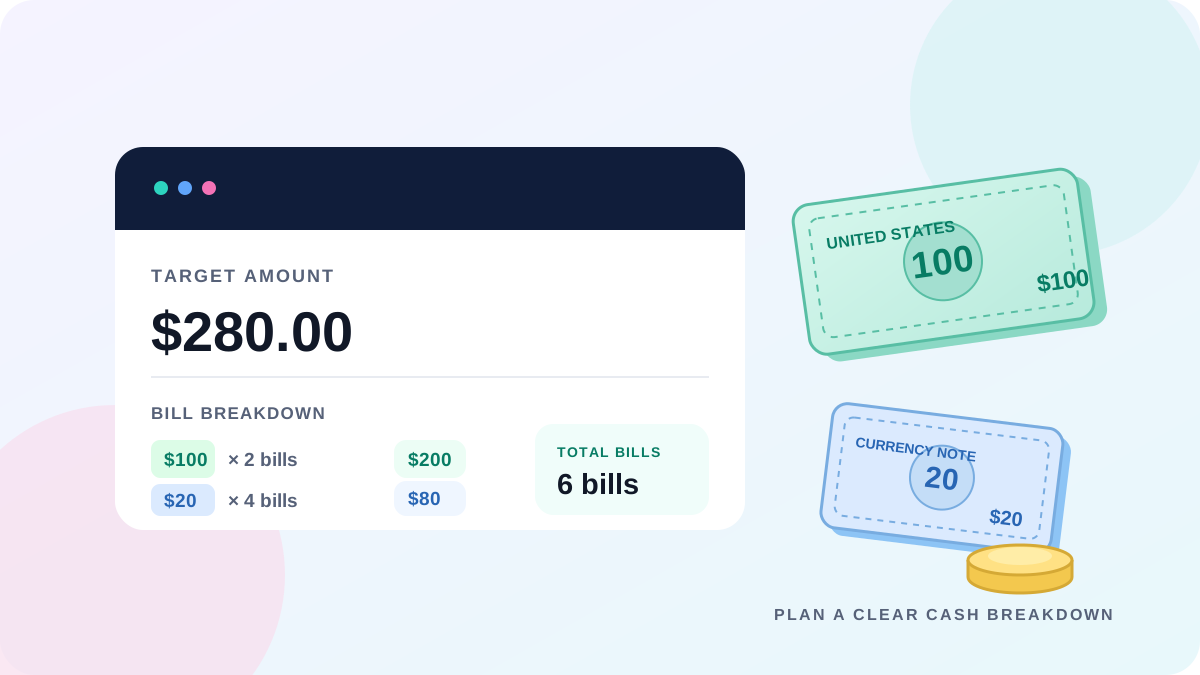
 Cash Counting
 Bill Denomination Calculator: How Many Bills Do You Need?
Learn how to break a target cash amount into bills and coins, find a low-bill combination, and check that your denomination breakdown adds up exactly.
Baca selengkapnyaKalkulator pecahan uang adalah alat bantu keuangan untuk menghitung total uang fisik dengan mengalikan nilai nominal tiap lembar uang kertas dan koin dengan jumlah yang dimasukkan.
Sangat membantu kasir toko, pedagang, dan akuntan dalam proses tutup kas harian dan setoran bank tanpa risiko selisih.
Hitung kas toko dalam tiga langkah praktis dan cetak bukti kas yang rapi.
Mendukung Rupiah (IDR), Dolar AS (USD), Euro (EUR), dan lebih dari 10 mata uang dunia.
Ketik jumlah uang yang dihitung atau gunakan tombol + dan - untuk penyesuaian cepat.
Lihat jumlah total dalam angka dan terbilang, lalu cetak bukti rekonsiliasi kas resmi.
Perhitungan didasarkan pada perkalian antara nilai tiap pecahan dengan banyaknya lembar atau koin.
Setiap nominal d_i dikalikan dengan jumlah c_i: S = Σ (d_i × c_i).
Cara ini memastikan tidak ada kekeliruan hitung manual atau salah salin.
S = (d₁ × c₁) + (d₂ × c₂) + ... + (dₙ × cₙ)
Digunakan oleh perbankan dan kasir toko ritel.
Hilangkan kesalahan hitung dengan kalkulator saku manual.
Tutup kas toko 3 kali lebih cepat dengan rincian rapi siap cetak.
Privasi terjamin: data uang Anda tidak pernah dikirim ke server.
Gunakan alat yang disesuaikan khusus untuk mata uang Anda.
Aplikasi web online gratis untuk menghitung uang tunai dengan cepat berdasarkan jumlah lembar dan koin per pecahan nominal.
Ya, 100% gratis tanpa biaya, tanpa langganan, dan tanpa perlu mendaftar.
Mendukung Rupiah (IDR), USD, EUR, GBP, SAR, dan berbagai mata uang utama lainnya.
Tidak. Semua perhitungan berjalan langsung di peramban web Anda tanpa pengiriman data ke server.
Ya, cukup klik tombol 'Cetak / PDF' untuk mencetak bukti fisik atau menyimpannya sebagai file PDF.
Dengan perkalian dan penjumlahan otomatis, kesalahan manusia dalam berhitung manual dapat dihindari sepenuhnya.
Ya, tampilan responsif sangat nyaman digunakan di HP, tablet, maupun komputer meja.
Mengubah angka total menjadi kalimat terbilang, sangat berguna saat menulis slip setoran bank.
Tekan tombol 'Hapus Semua' untuk mengembalikan semua angka kembali ke nol.
Sangat cocok. Ribuan pemilik toko dan kasir menggunakannya setiap hari untuk tutup kas.
Tips praktis untuk pedagang, kasir, dan pengelola keuangan.
Cash Counting Learn how to break a target cash amount into bills and coins, find a low-bill combination, and check that your denomination breakdown adds up exactly.
Baca selengkapnya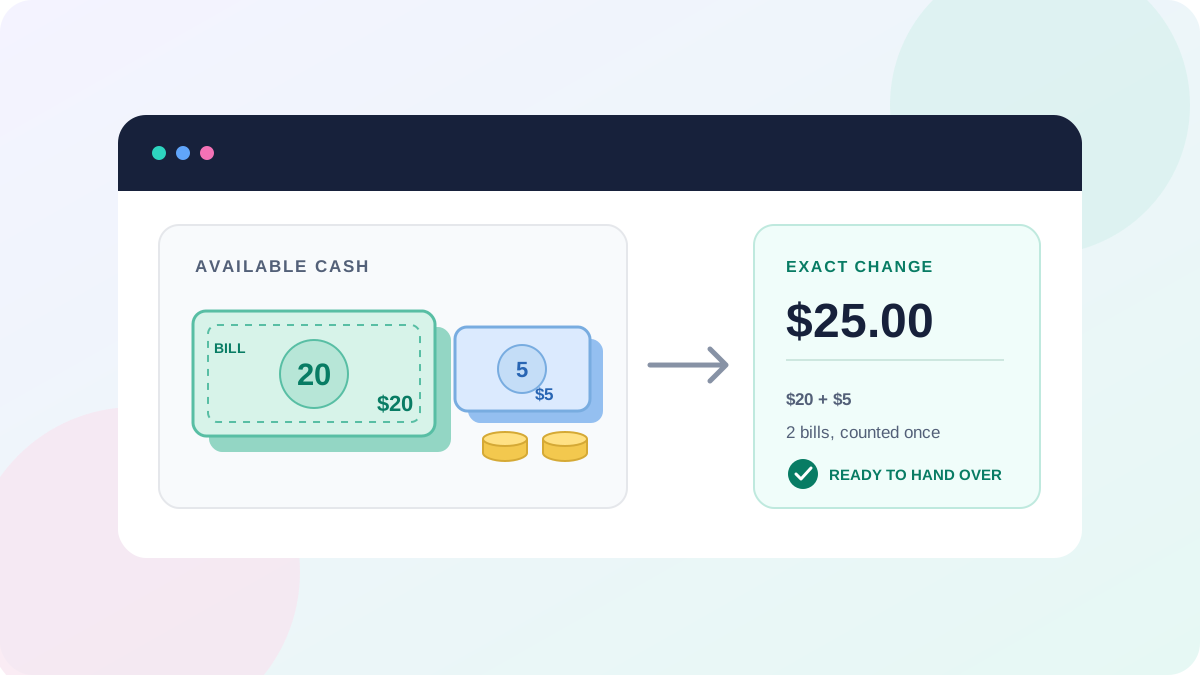 Cash Counting
 Use an exact change calculator approach to combine bills and coins, choose practical denominations, and verify a specific change amount.
Baca selengkapnya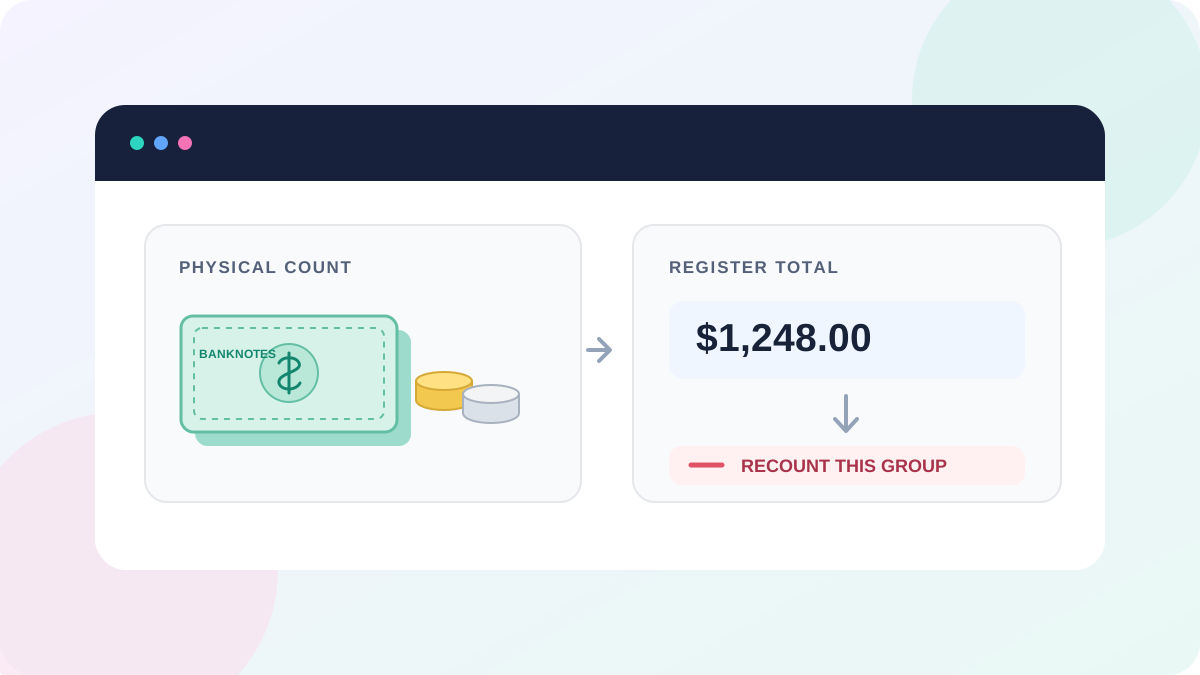 Cash Counting
 Learn how common cash counting errors, denomination mix-ups, and duplicate entries can cause a cash total mismatch, and how to check your count.
Baca selengkapnya